Backlight Bleed Test Online - Check Monitor Light Leak and IPS Glow
Use this free backlight bleed test online to inspect LCD monitors, laptops, and TVs for light leak, IPS glow, clouding, and dark-scene uniformity problems.
1 / 16
Pure Black
Perfect for detecting backlight bleed. Any light leakage will be clearly visible.
Click anywhere to hide controls
Test Colors
16 Colors AvailableDark Colors (Backlight Bleed)
Primary Colors (Dead Pixel Test)
Light Colors (Uniformity)
How to Use This Test
- 1Click 'Go Fullscreen' to fill your entire screen with the test color.
- 2Dim your room lights to improve visibility of light leakage.
- 3Inspect the edges and corners of your screen for bright spots.
- 4Cycle through different dark colors to confirm issues.
How to Run a Backlight Bleed Test on Your Monitor
Follow these simple steps to accurately test your monitor for backlight bleeding and display defects.
Prepare a Dark Room for the Monitor Test
Dim the lights in your room to create a dark environment. This helps you see backlight bleed more clearly.
Open the Fullscreen Black-Screen Test
Click the 'Start Test' button and enter fullscreen mode. The test will display dark colors to reveal light leakage.
Check Screen Edges and Corners for Light Leak
Carefully examine the edges and corners of your screen for bright spots or uneven lighting that indicate backlight bleed.
What Is Backlight Bleed on an LCD Monitor?
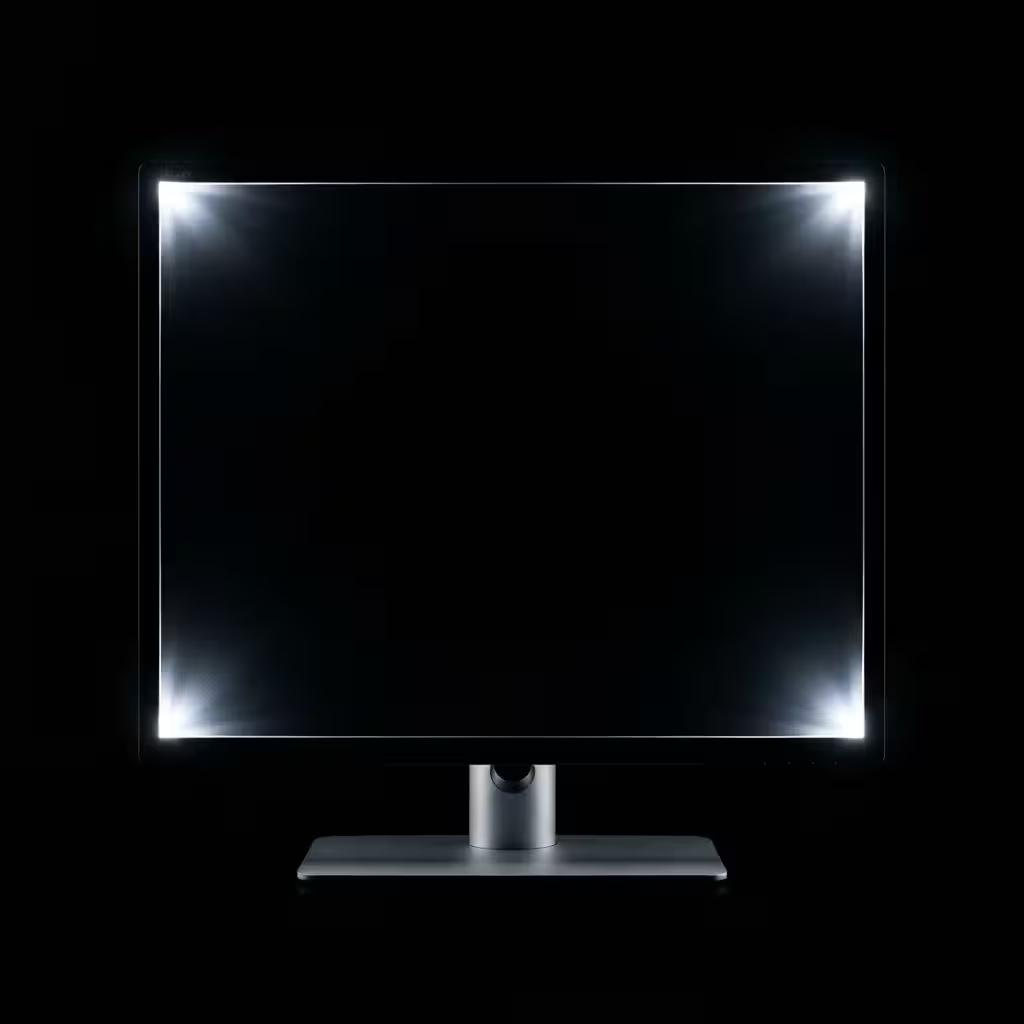
Backlight bleed is an LCD panel issue where unwanted light escapes from the edges or corners of the screen. It is easiest to spot on black backgrounds and can make dark scenes look patchy on gaming monitors, laptops, and TVs.
LCD displays work by shining a backlight through liquid crystal pixels that selectively block light to create images. When the seal between the LCD panel and its frame is imperfect, some of this backlight leaks from the edges, causing the characteristic "bleed" effect. This is why the issue is most noticeable in dark scenes where pixels should be blocking all light.
Our free online backlight bleed test tool helps you quickly identify if your monitor, laptop, or TV screen suffers from this issue. By displaying pure black and dark colors in fullscreen mode, you can easily spot areas where light is leaking, allowing you to make informed decisions about monitor returns, warranty claims, or adjustments.
Common Issue
Most LCD panels are affected
Backlight Bleed vs IPS Glow: How to Tell the Difference
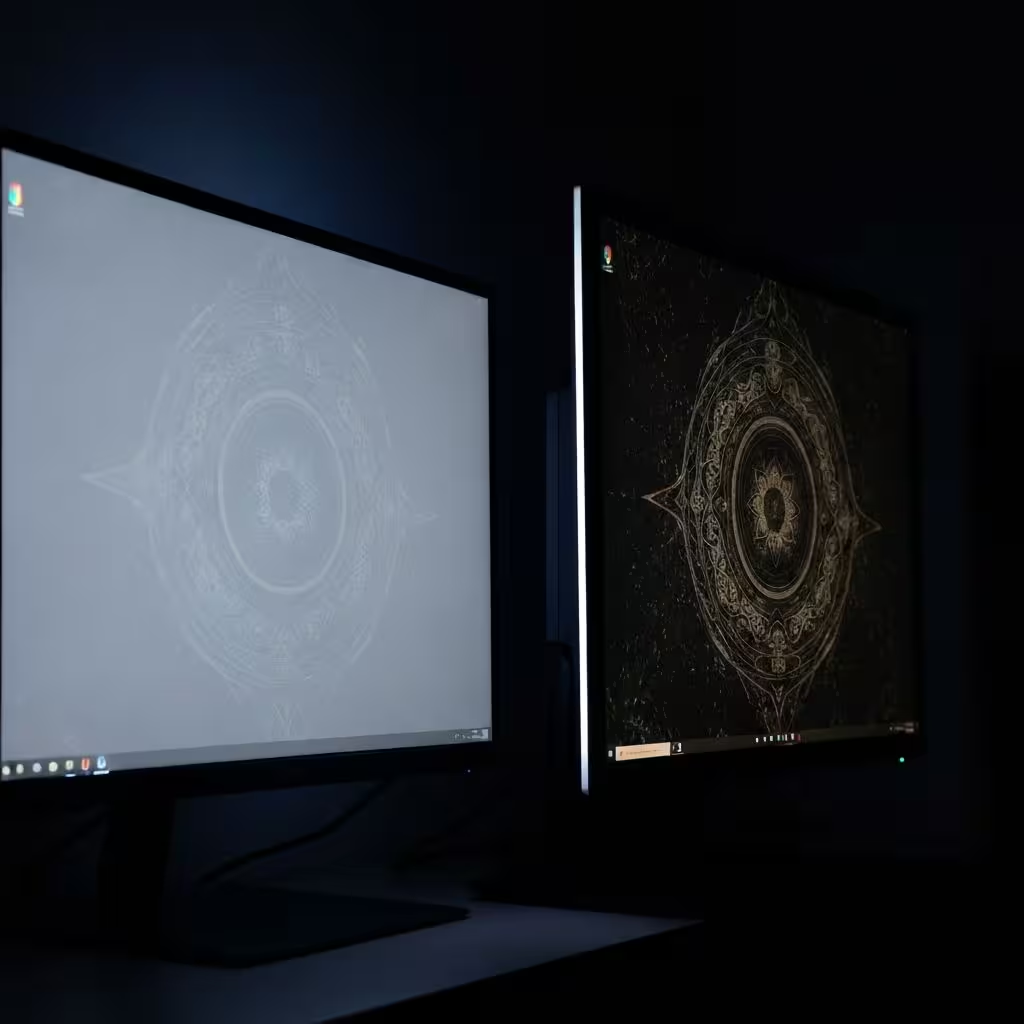
Many people confuse backlight bleed with IPS glow, but they are different display behaviors. Understanding the difference helps you judge whether your screen has a panel defect, a normal IPS characteristic, or a level of light leak that justifies a return.
Backlight Bleed appears as bright spots concentrated at the edges and corners of the screen. It remains visible regardless of your viewing angle and is caused by physical defects in the panel assembly. Severe backlight bleed may be grounds for a warranty return.
IPS Glow is a characteristic of IPS panels that causes a faint glow (usually white or yellowish) when viewing dark content at an angle. It shifts as you move your head and is considered normal behavior for IPS technology.
When running a backlight bleed test, try viewing the screen from different angles. If bright areas change or disappear as you move, you're likely seeing IPS glow rather than actual backlight bleed. Our free online tool helps distinguish between these issues by providing consistent test conditions.
Common Causes and Fixes for Backlight Bleed
Understanding what causes backlight bleed helps you prevent it or know when to request a replacement
Common Causes of Monitor Backlight Bleed
Manufacturing Defects
Imperfect assembly of LCD panels and frames can leave gaps where light leaks through
Physical Pressure
External pressure on bezels or screens can worsen or create new backlight bleed
Temperature Changes
Extreme heat or cold can cause panel materials to expand or contract unevenly
Age and Wear
Over time, adhesives and seals in LCD panels can degrade, increasing light leakage
Ways to Reduce Monitor Backlight Bleed
Lower Backlight Brightness
Reducing brightness can make backlight bleed less noticeable, especially in dark environments
Adjust Local Dimming
If your display supports local dimming, enabling it can reduce visible light leakage
Loosen Bezel Screws
Gently loosening bezel screws can relieve pressure and reduce bleed (advanced users only)
Request Replacement
Severe backlight bleed on new monitors may qualify for warranty replacement
Who Should Use a Free Backlight Bleed Test Online?
Our free backlight bleed test is useful for anyone evaluating monitor quality, especially new monitor buyers, gamers who play in dark scenes, creative professionals, and IT teams checking multiple displays.
New Monitor Buyers: Use a backlight bleed check before your return period ends to ensure your new purchase meets quality standards. Early detection of issues gives you time to request exchanges or refunds.
Gamers and Movie Enthusiasts: Dark scenes in games and movies can be ruined by visible backlight bleed. Our free test helps identify whether your display will provide the immersive experience you expect.
Content Creators: Accurate color reproduction requires uniform displays. Backlight bleed can affect perception of dark tones, making this test essential for photographers, video editors, and designers.
IT Professionals: When deploying monitors across an organization, use our free backlight bleed test tool to quickly quality check multiple units and identify those that should be returned.
Tips for a More Accurate Backlight Bleed Test
Follow these expert tips to get the most accurate results from your backlight bleed check.
Dark Environment
Run the test in a dark room. Ambient light can mask or exaggerate backlight bleed, leading to inaccurate results.
Default Settings
Test your monitor at default brightness and contrast settings first, then lower brightness to see the difference.
Warm Up First
Let your monitor warm up for 15-30 minutes before testing. A cold display may show different characteristics than a warmed-up one.
Multiple Angles
View from different angles to distinguish between backlight bleed (constant) and IPS glow (shifts with angle).
Backlight Bleed Test FAQ for LCD and IPS Monitors
Common questions about backlight bleed and our free test tool.
Is backlight bleed covered by warranty?
It depends on the manufacturer and severity. Many brands have acceptable tolerance levels, but excessive bleed is often grounds for replacement. Use our free backlight bleed test to document results and contact the manufacturer with evidence.
Can I fix backlight bleed without replacing the monitor?
Minor backlight bleed can sometimes be reduced by lowering brightness, adjusting local dimming settings, or gently loosening bezel screws. However, severe bleed is usually a hardware issue that cannot be fully fixed without professional repair or replacement.
Does backlight bleed get worse over time?
It can. As adhesives age and materials expand and contract with temperature changes, backlight bleed can gradually worsen. Regular testing with our free tool helps you monitor display changes over time.
Do OLED displays have backlight bleed?
No. OLED displays do not use a backlight - each pixel generates its own light. This means OLED screens have zero backlight bleed, making them ideal for dark room viewing and dark scene content.
How much backlight bleed is acceptable?
On LCD displays, minor backlight bleed is normal and may not be noticeable during regular use. If bleed is only visible during testing on a pure black screen but not during normal content viewing, it is generally considered acceptable.
Ready to Check Your Monitor for Backlight Bleed?
Use our free online backlight bleed test tool to check your monitor, TV, or laptop screen for light leakage. No downloads, no registration.